

Dolphin SVN Plugin
Subversion right inside the KDE file manager
Free · Ad-free · No tracking
The Dolphin SVN Plugin integrates Subversion seamlessly into the KDE file manager Dolphin: status icons show the state of every file right in the folder view, and all important SVN commands live in the context menu: commit, update, add, revert, checkout, export and more. The repository browser supports write operations too, and differences between versions are shown right in a clear diff view.
Features
Status icons in Dolphin
Overlay icons show the SVN state of every file and folder right in the file view, at a glance.
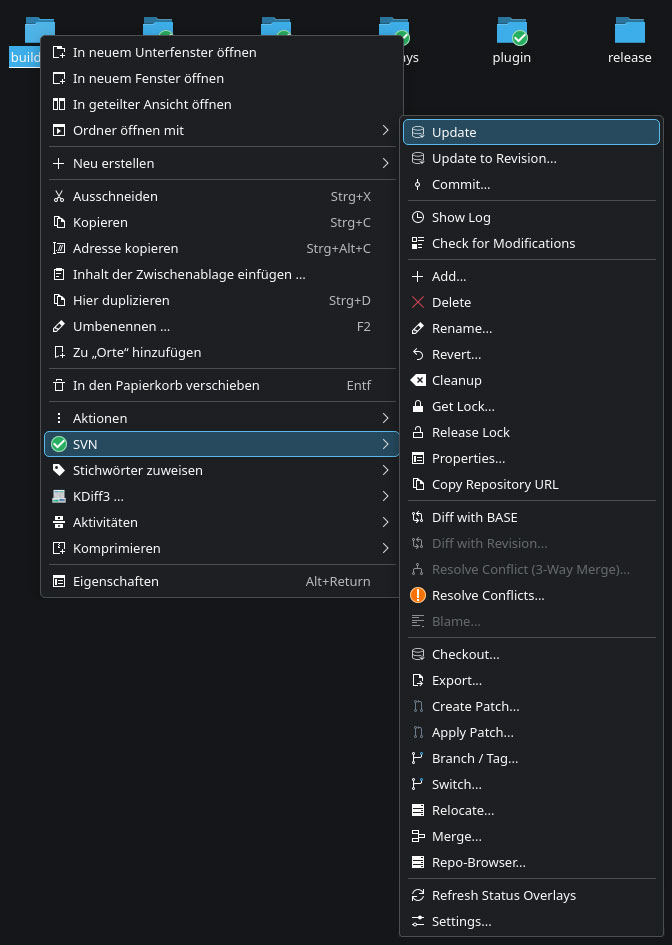
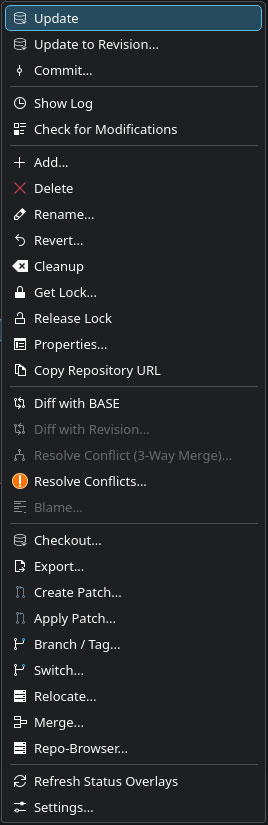
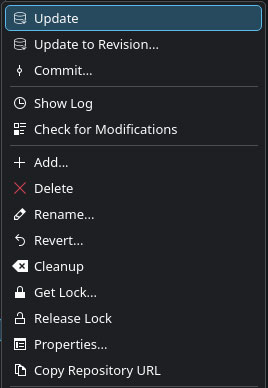
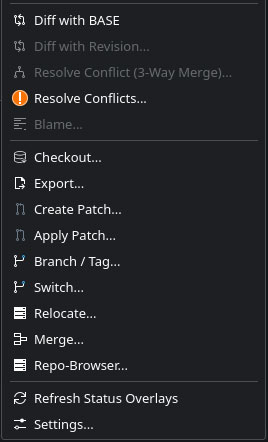
SVN commands in the context menu
Commit, update, add, revert, checkout, export, cleanup and modification checks, no terminal needed, straight from Dolphin.
Repository browser
Browse repositories including their history and perform write operations like creating, moving and deleting directly.
Integrated diff view
Compare your working copy against repository versions right from Dolphin, clearly, side by side.
Log and blame
Follow the history with changed paths and use blame to find out who last touched which line.
Branches and tags
Create branches and tags right from your working copy, with a history for recurring targets.
File locks
Lock files for exclusive editing and release them again, ideal for binary formats.
A look inside the application
Technical details
- Version
- 1.0.0
- Released
- 7 September 2026
- Platform
- Linux